 Cubora
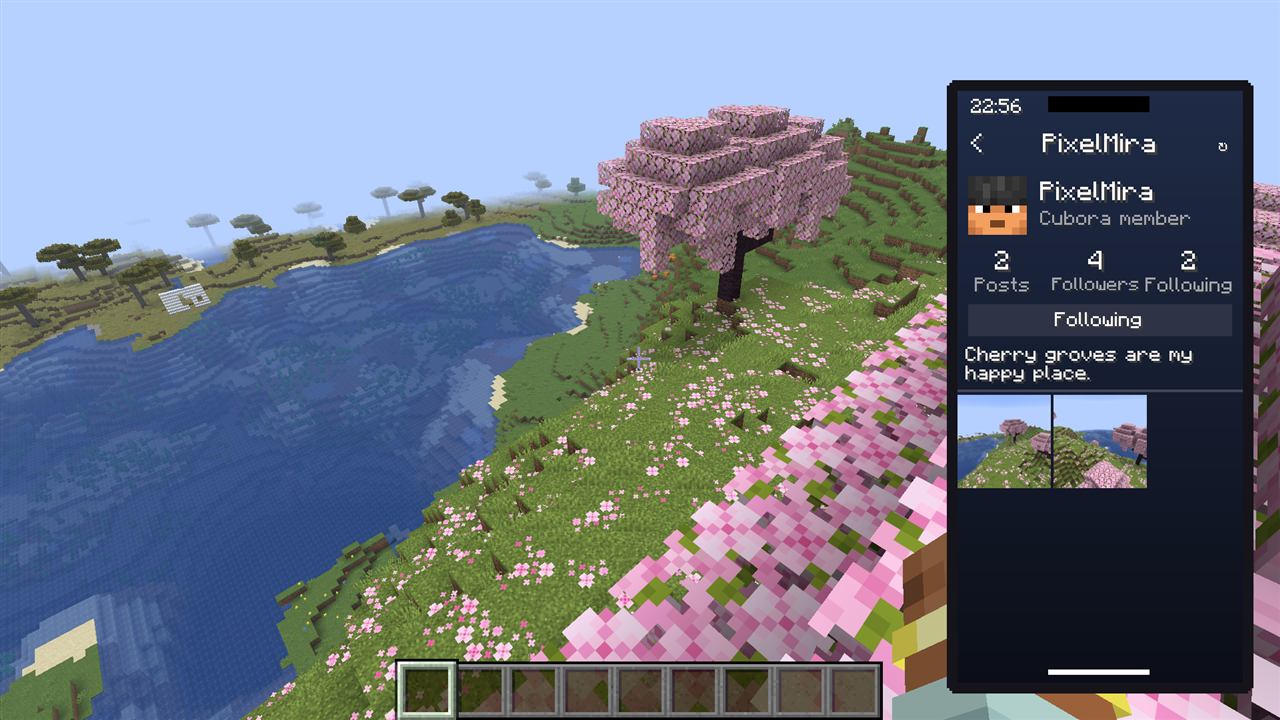
In-game phone
Press ↑ to open the phone. The game keeps running and you can keep walking.
Minecraft mod · client-only
Cubora puts a phone in your pocket. Capture a view, your build or a moment with friends, then share, like, comment and follow other players without leaving the game.
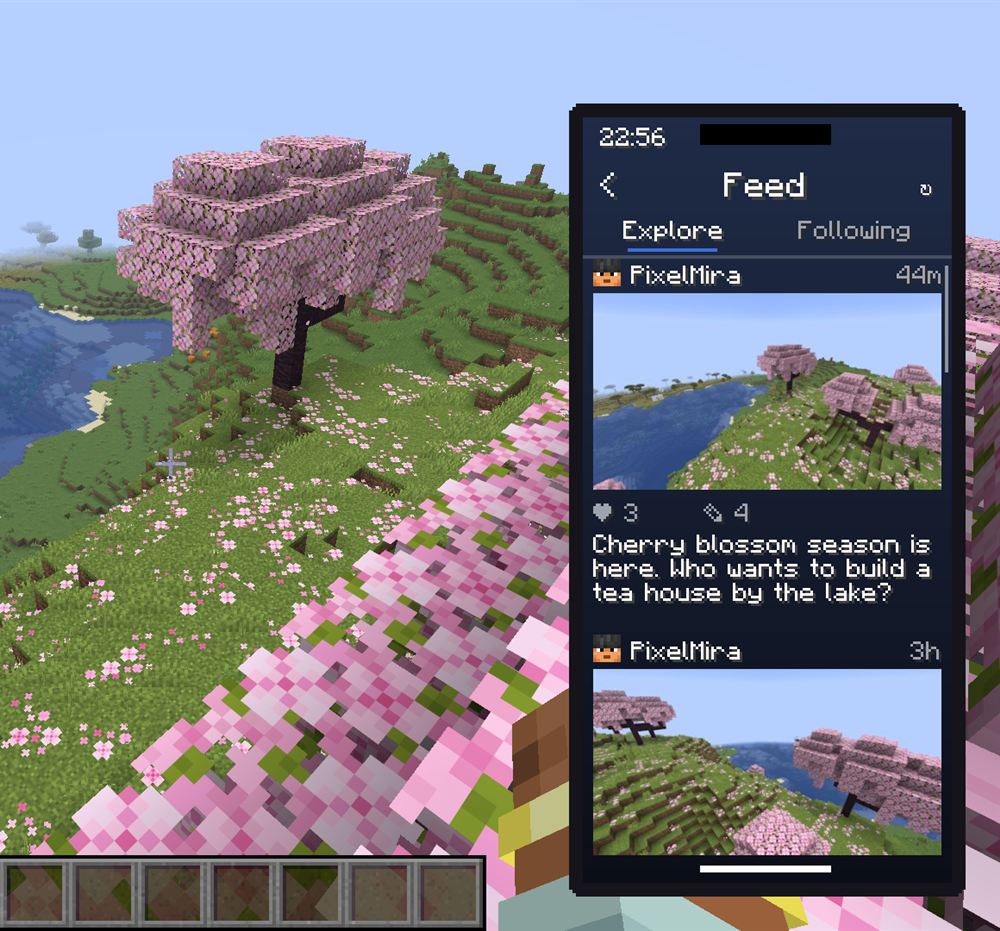
No browser, no alt-tab. Open the phone, take the shot, post it.
Press ↑ to open the phone. The game keeps running and you can keep walking.
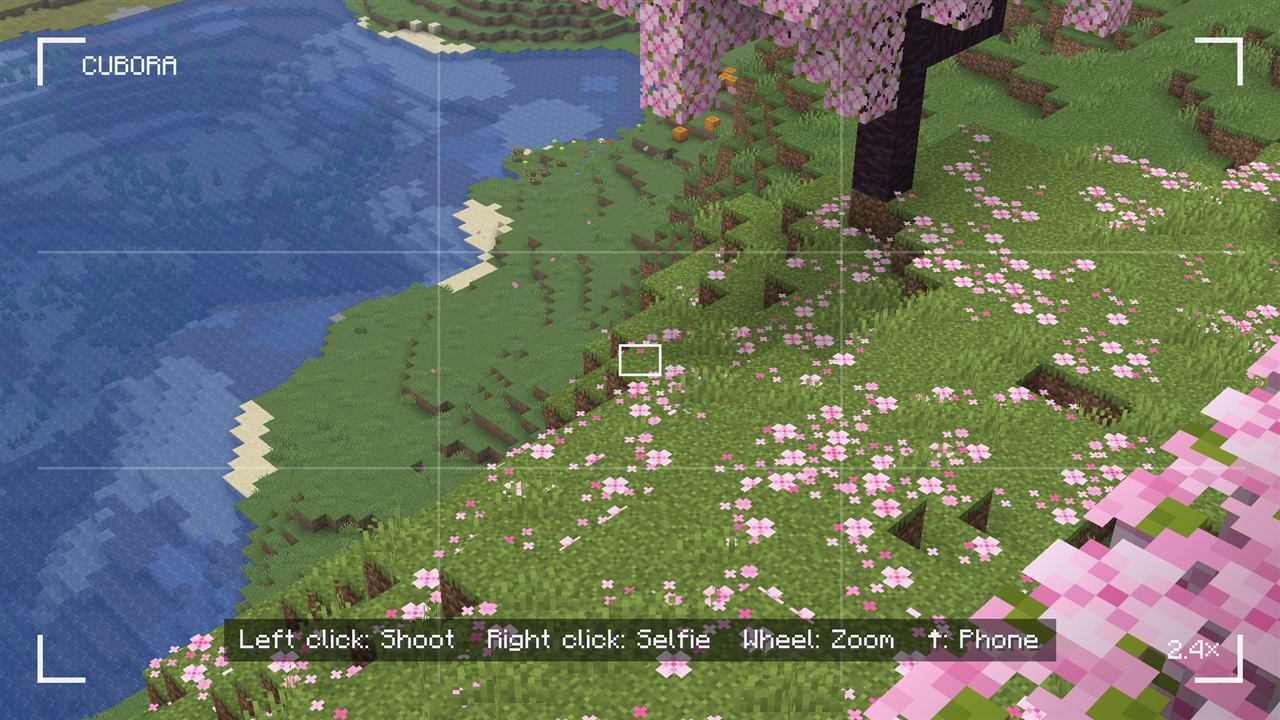
Left click takes a photo, right click switches to selfie and the mouse wheel zooms.
Pick one of 8 filters before posting, or set a 3 or 10 second timer with a middle click.
Keep your shots in the Gallery app and share up to 3 of them as one album.
Browse everyone's photos and follow the players you like.
Find players by name and see the most liked photos of the week.
Like photos, write comments and see who interacted through notifications.
Location, coordinates and server addresses are never shared. Photo metadata is stripped.
Inappropriate images are checked automatically and by hand; reporting takes one click.
Add Cubora to your Minecraft client. Nothing needs to be installed on the server.
Press ↑ in any world, singleplayer or multiplayer.
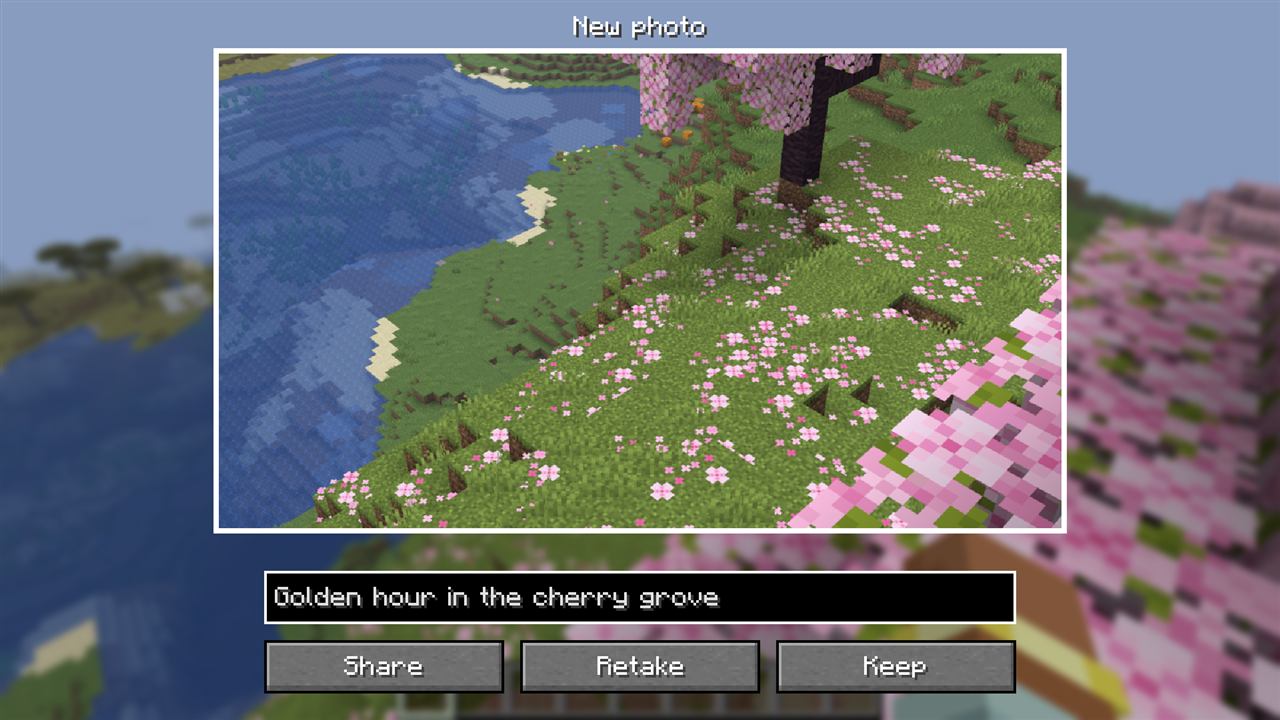
Take a photo, add a caption and post it to the feed.
Sharing, liking and commenting require a licensed (premium) Minecraft account. Other players can browse in view-only mode.